The Job Nobody Closed: Finding the Visits That Were Never Finished or Billed
It is Friday afternoon and you are closing out the week. Forty-three visits were on the board. Forty-one are marked completed. One is marked in progress since Tuesday, and one still says scheduled for a day that came and went. Was the Tuesday lawn cut? Probably. Did anyone bill for it? Nobody knows. Did the customer whose Wednesday visit never happened get told? Definitely not.
Every field service business has these. They are not disasters, which is exactly why they survive: a visit that quietly stays open costs nothing today, and then costs you an invoice, a customer, or an argument three weeks from now.
This guide covers how visits end up in limbo, why your schedule will never show them to you, and how to make sure every past date ends in a decision.
How a visit ends up in limbo
- Nobody tapped finish. The crew did the work, loaded the truck and drove to the next stop. The job is still marked in progress, with no completion and no trigger to invoice.
- The day ran out. The last two stops did not happen. The crew meant to tell the office and the day ended instead.
- The phone was offline. Work happened at a property with no signal, and the status never made it back.
- The crew changed. A lead went home sick and the replacement never had the job on their list.
- It was cancelled verbally. The customer called to skip a week, someone wrote it on a whiteboard, and the visit stayed on the calendar.
What an open visit actually costs
Industry estimates put revenue leakage in field service somewhere between one and five percent of annual revenue, and unbilled work done is one of its largest components. On a route of fifty weekly customers, a handful of unbilled visits a month is real money. But the invoice is only the first cost:
- The work is never billed, because most invoicing flows start from a completed job.
- The customer is never told when the visit truly did not happen, so they find out by looking at their lawn.
- The next visit inherits the mess. On a recurring account, a missing visit stretches the gap and the customer notices before you do.
- Month end becomes archaeology. Somebody reconstructs what happened weeks ago from photos, texts and memory.
Why your schedule will never show you this
Schedules look forward. Today and tomorrow are visible, last Tuesday is not. Most alerting works the same way: it watches today's board and tells you a job is running late or is missing a crew. Once the day rolls over, an unfinished visit stops being urgent and starts being invisible.
That is the gap. Not a lack of discipline, but a view that nobody has: everything whose date has passed and whose job never reached completed.
The Friday sweep, by hand
You can close this gap with a whiteboard routine:
- Every Friday, list the week's visits and mark each one completed or not.
- For every one that is not completed, decide now: did it happen and go unrecorded, or did it not happen at all?
- Bill the first group. Rebook the second group and tell those customers today, not when they call.
- Write down the reason each time. Three misses at the same property is a pattern, not bad luck.
It works. It also depends on somebody having an hour on a Friday, every Friday, in season.
When the software keeps the list for you
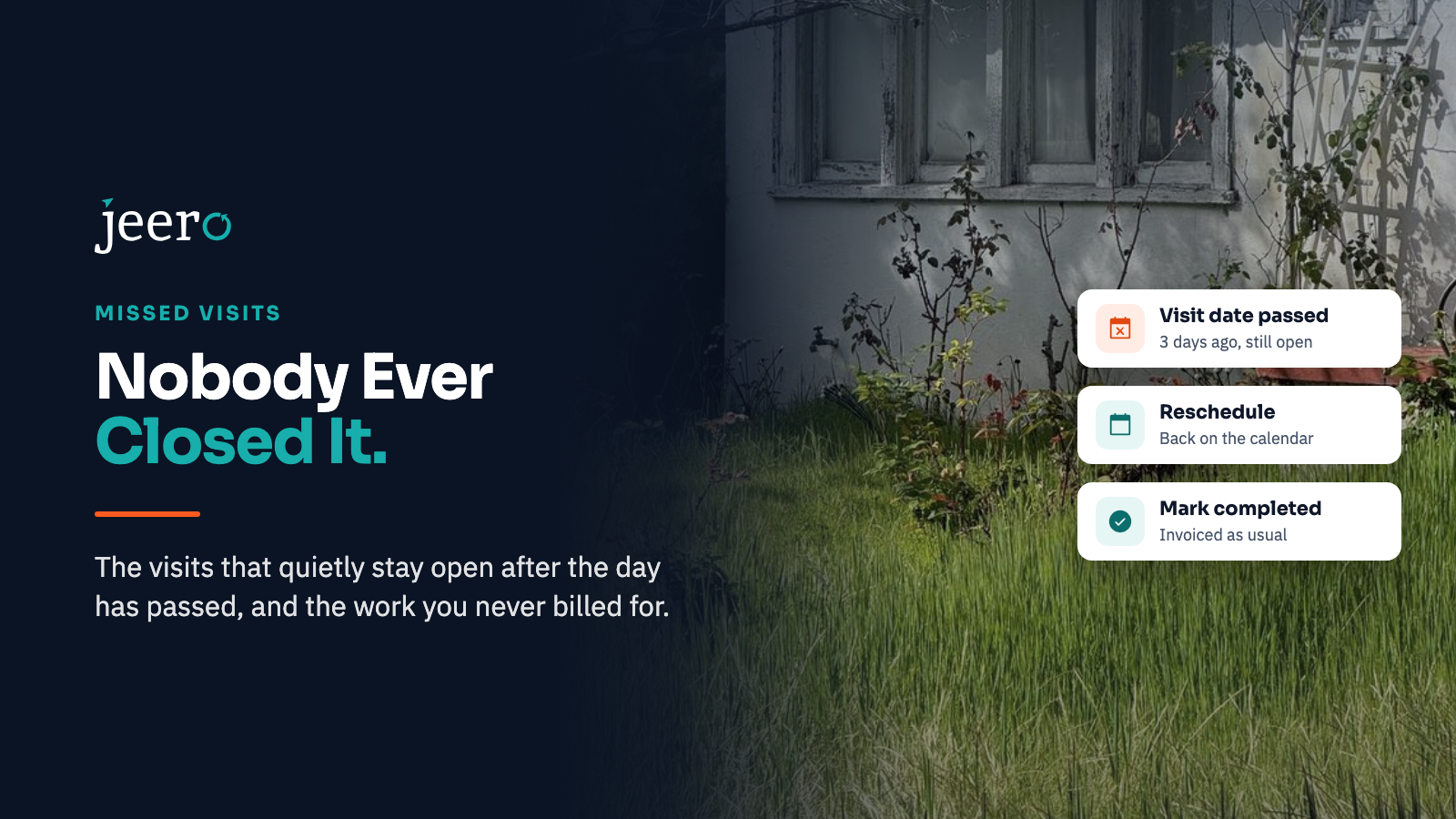
We built this view into the Jeero dashboard, right below Needs attention, on every plan. It lists every job whose last visit date has passed while the job never reached completed, whether the crew never got there or started and never finished.
What each row tells you:
- The job, client and crew, so you know who to ask.
- The visit date and how many days ago it was, which is usually the detail that makes an owner wince.
- The status it is stuck in, whether that is scheduled, en route, in progress or paused.
The most recently missed are first, and nothing ages off the list, so a job missed in April is still there in June. The list does not change when you browse crew schedules for a different day underneath it. A multi-day job only counts once its final day has passed, and each visit of a recurring job stands on its own, so a single skipped week shows up without dragging the series in with it.

Two buttons, and every row ends in a decision
Owners and managers can clear a row in one of two ways.
Reschedule puts the visit back on the calendar for a new date. Use it when the work genuinely did not happen. The customer is told about the new date the way any reschedule is handled, and the row leaves the list.
Mark completed is for work that was done but never recorded. It asks you to confirm, then completes the job so it invoices as usual. Three things deliberately do not happen: no start time is invented, no overage is recorded against a job that sat open for days, and the customer is not sent a completion email for a visit that happened last week. The job's history records that a manager marked it completed after the visit date, so the trail is honest.
The same Mark completed button appears on the job's own page and in the mobile management app whenever a job has been missed. If the visit was cancelled rather than missed, open the job and remove it, so it never returns to the list.
Between the two, every past date ends as billed work or as a booked visit. Nothing stays quietly open. The today alerts still do their job on the current day, and this catches everything that slipped earlier. See notifications for the alerts that cover today's board.
Stopping the leak upstream
Clearing the list is the cure. These reduce how often it fills:
- Require an after photo to finish a job. Crews who have to attach a photo remember to finish the job, and you get proof of the visit as a side effect. You can turn the requirement on per company in job settings.
- Make the last stop of the day the one you check. Most misses are the final visit on a route.
- Watch the properties that repeat. A stop that is missed regularly usually has a real cause: a locked gate, a dog, a route that runs long.
- Clear the list weekly. Five minutes on Friday beats an hour at month end.
Frequently asked questions
What counts as a missed job?
A job whose last scheduled visit date has passed while the job is still open, meaning it never reached completed. That includes visits the crew never started and visits they started, paused or left in progress.
Should I bill for a visit nobody recorded?
If the work was done, yes. Confirm with the crew lead, complete the job so it invoices normally, and keep a note of who closed it out and why. Billing work you performed is not aggressive, it is accurate.
Does marking a job completed email the customer?
It should not. A completion message about a visit from last week confuses customers and invites questions. In Jeero the close-out path deliberately sends no completion email, while still letting the job invoice as usual.
How do I stop crews forgetting to finish jobs?
Make finishing the last step of something they already do, such as attaching the after photo, and check the missed list weekly so the feedback reaches the crew in days rather than at month end.
Close the loop before the month does
The visits that hurt are never the ones you argued about. They are the ones nobody looked at again. A list of every past date that never closed, checked once a week, turns that into five minutes of decisions.
See it in the demo, or start a free trial and look at your own board after the first week. Compare what each plan includes on the pricing page.